
S3 Navigator: S3 Client for S3-Compatible Storage
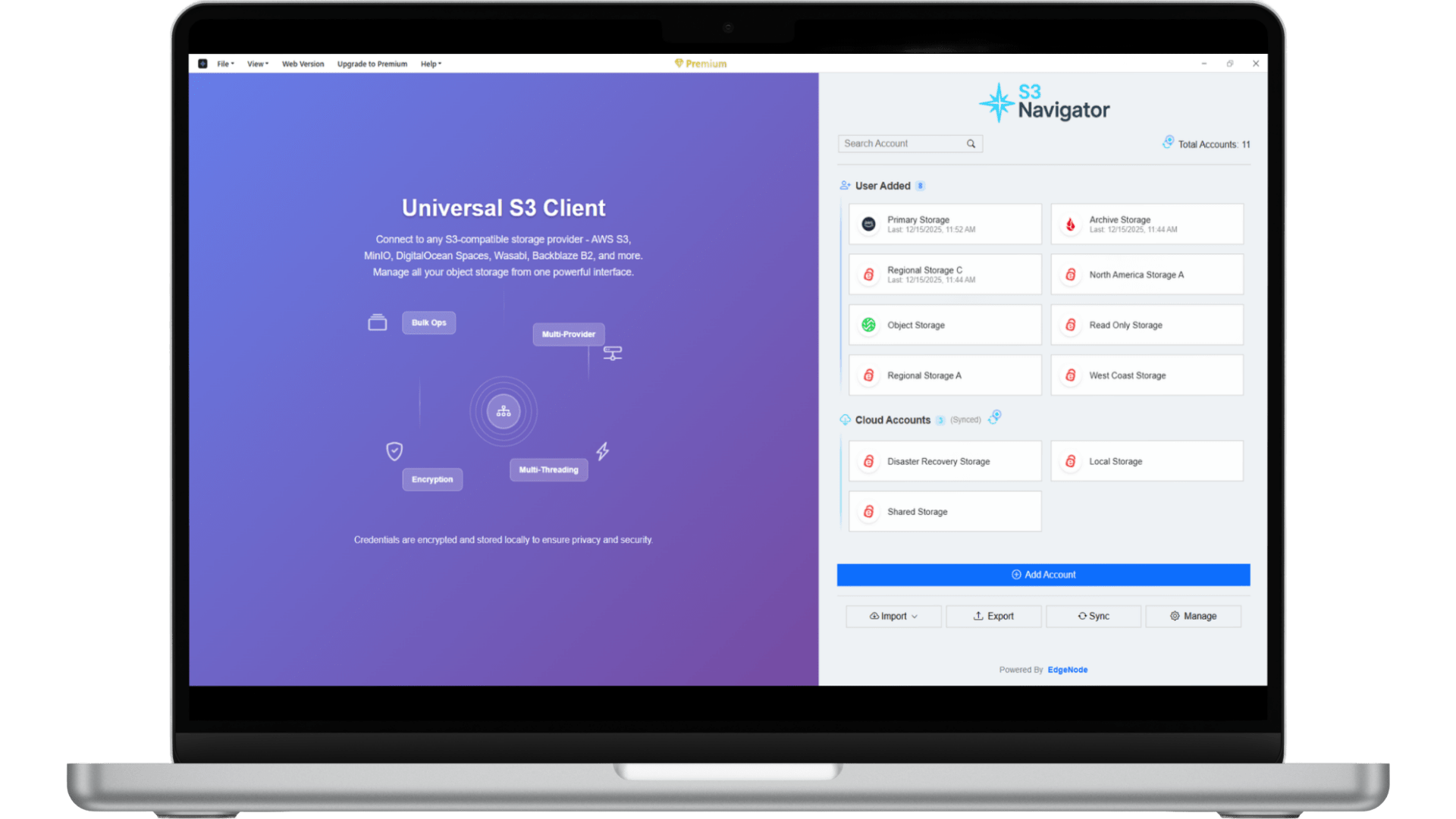
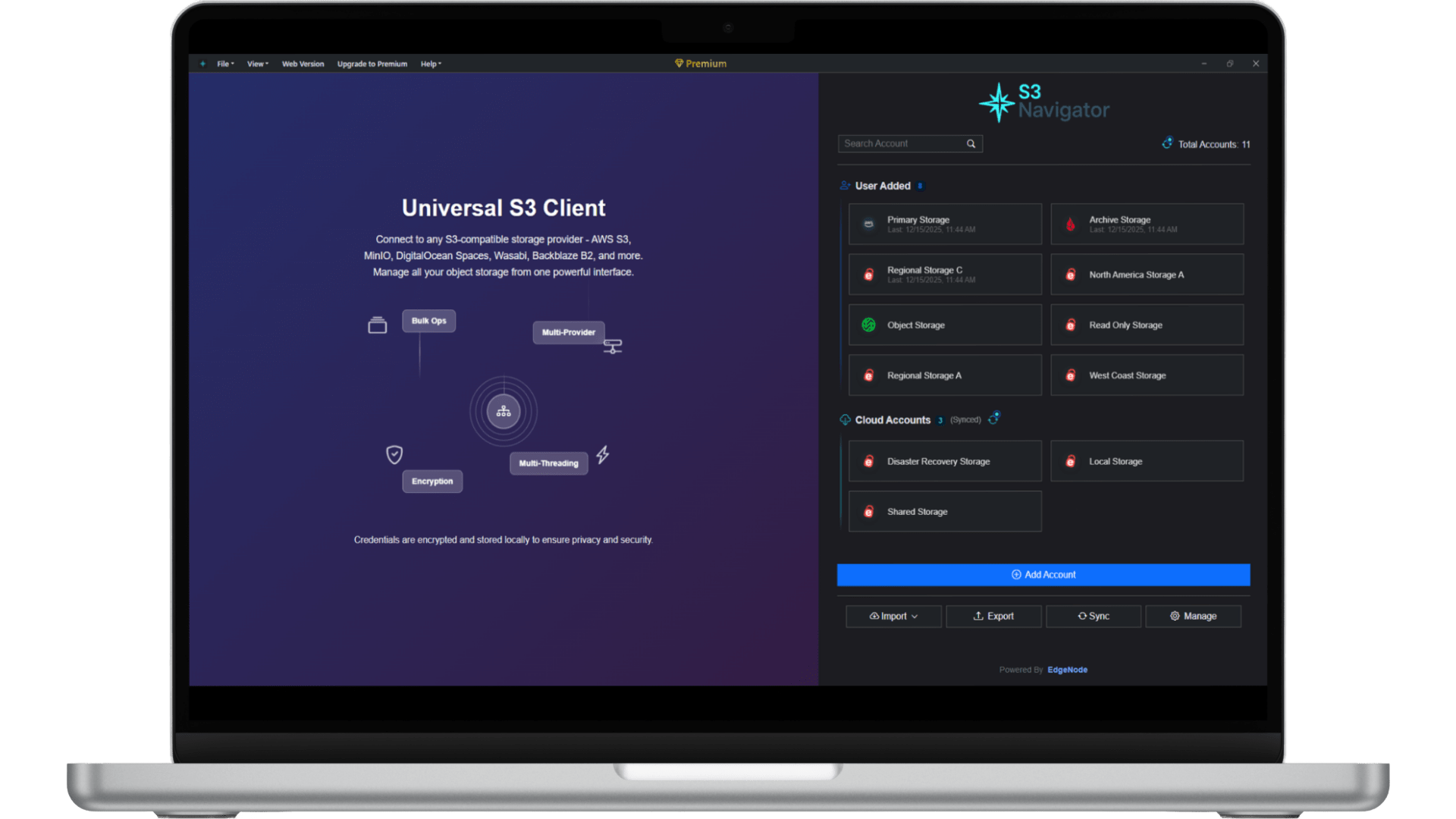
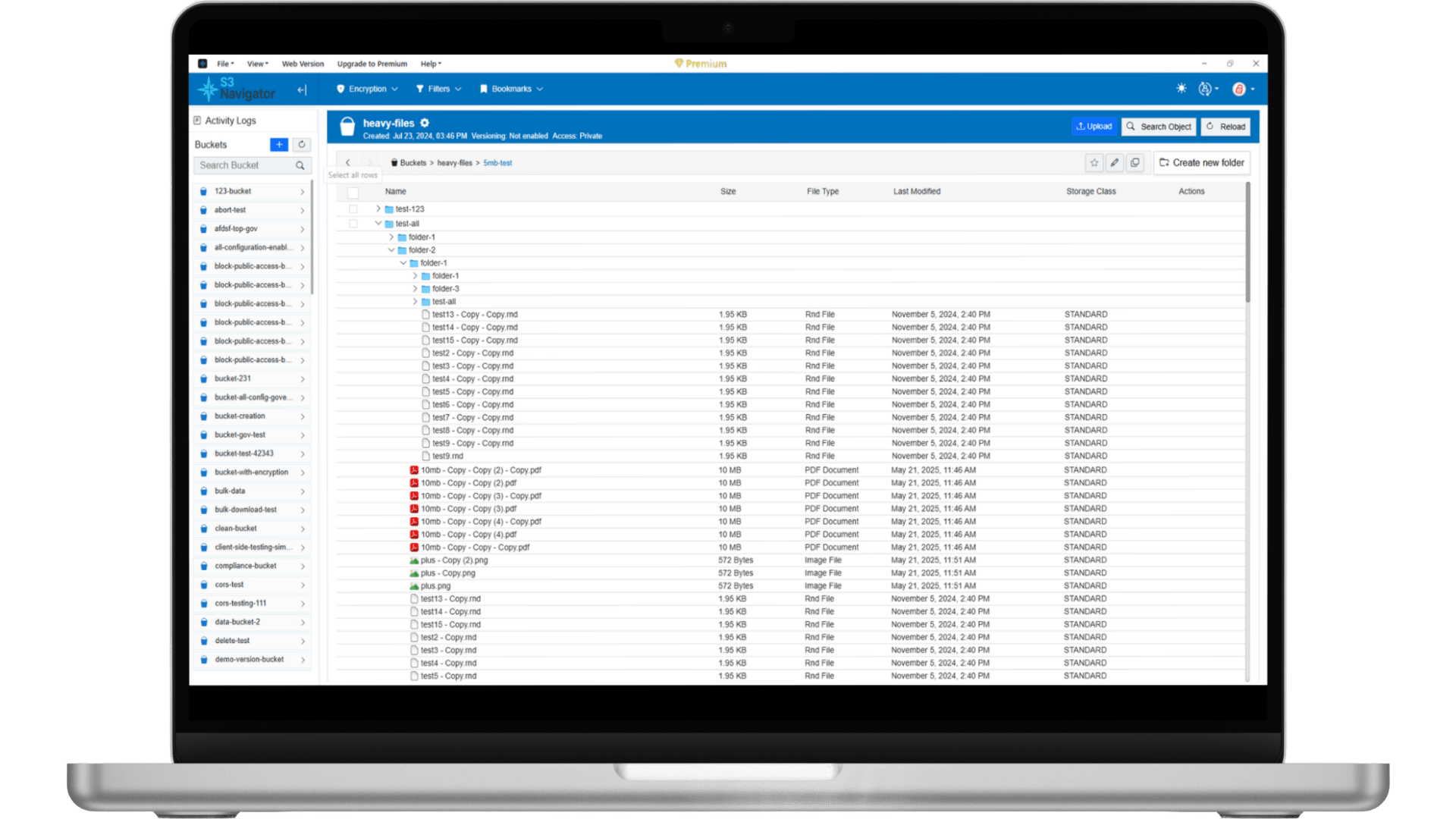
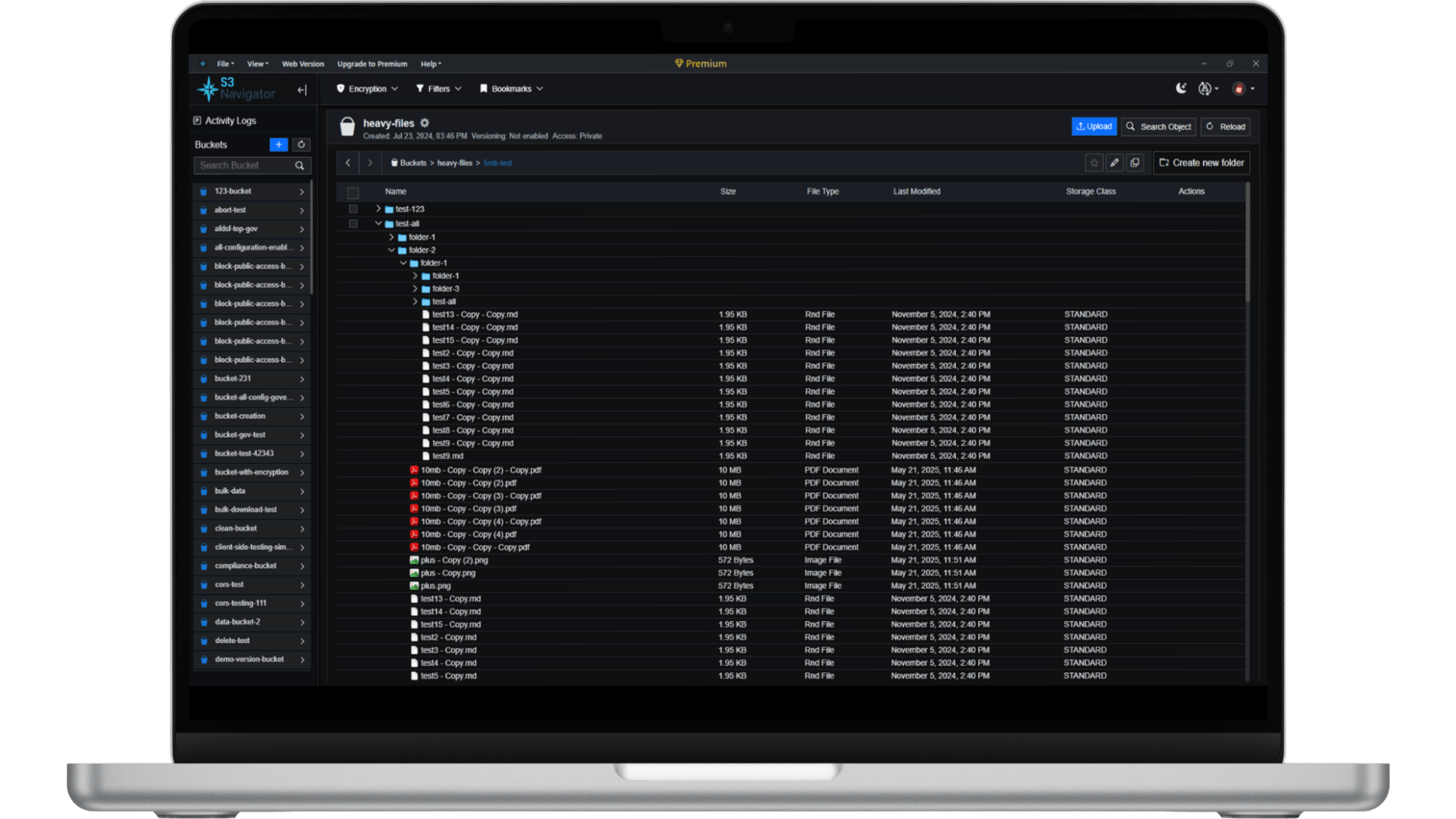
Browse buckets, upload and download files, and manage objects in S3-compatible storage. Use S3 Navigator in your browser or on Windows, macOS, or Linux, with bulk actions for larger workloads.
About S3 Navigator
Your Ultimate S3-Compatible Client
Introducing S3 Navigator — the next-generation, user-friendly, and powerful client for S3-compatible storage. Built with modern interfaces in mind, S3 Navigator simplifies your S3 management with unmatched speed, security, and ease of use.
Whether you're managing individual files or performing bulk operations, our platform allows you to execute tasks effortlessly. With fast file uploads, unlimited processing, and cross-platform support, S3 Navigator handles even the most complex operations with reliability, stability, and precision.
User-Friendly Interface
Enjoy a streamlined, clean interface that makes managing your data easy and hassle-free, even for beginners.
Unlimited Accounts
Effortlessly create and manage an unlimited number of accounts, with seamless switching that won't slow down your workflow.
Fast File Uploads
Effortlessly upload large files with parallel multi-part uploads, ensuring optimal bandwidth usage and performance without straining your browser.
Cross-Platform Support
S3 Navigator is designed for everyone. Enjoy true cross-platform compatibility with Windows, Mac, and Linux operating systems.
Choose the plan that fits your workflow
Powerful S3 management for everyone.
Free
Everything you need to get started.
Forever free
- Up to 3 saved accounts of each account type
- 1 active operation at a time
- 1 worker thread
- 2 rules per feature
- Standard uploads & downloads
- Essential S3 management
Pro
More power, control, and speed.
Billed yearly
- Unlimited saved accounts
- Unlimited parallel ops (8+, configurable)
- Unlimited rules per feature
- Built for long-running tasks
- Unlimited worker threads (4+, configurable)
- Advanced controls & settings
- Fast, reliable transfers
- Priority support
FAQ